
 Scan with WhatsApp
OEM & ODM CONFIGURATION
OEM & ODM Hardware Configuration
Start with your existing mainboard, display or cabinet requirement — or use our standard solution if you have no special requirement. We confirm the project configuration and quotation scope before production。
Custom Design & Engineering
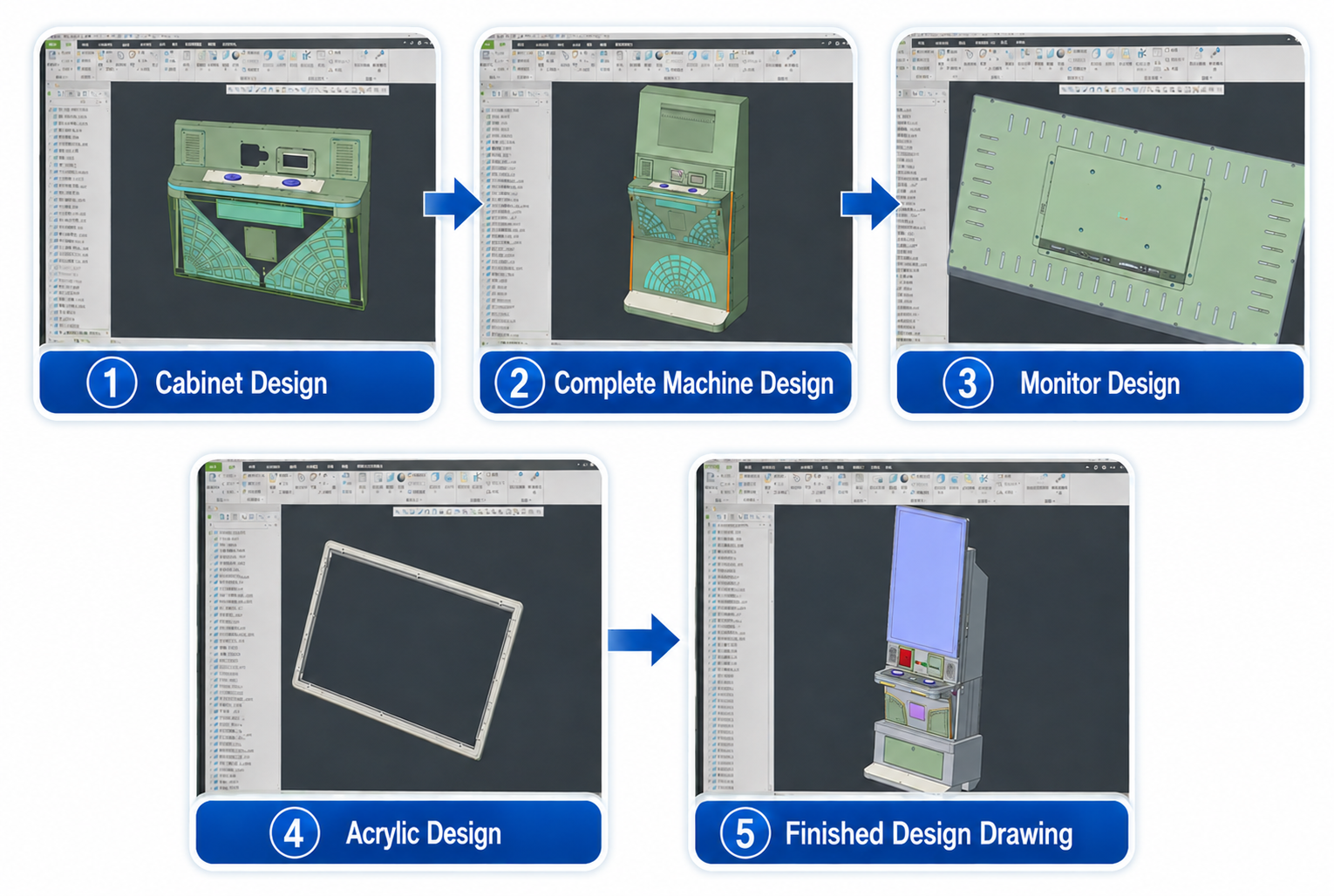
Route 1: Configure Around Your Existing Requirement
If you already have a confirmed mainboard, display layout, cabinet drawing or target size, we review the required hardware and structure before quotation.
STEP 01
Share Your Requirement
Provide the mainboard model or project requirement, display layout, cabinet drawing, reference image or target size.
STEP 02
Review Compatibility
We confirm mounting space, power, interfaces, display layout and the required cabinet structure.
STEP 03
Confirm Requirements
Once the requirements are confirmed, we will provide the product configuration list, estimated lead time and quotation.
Route 2: Use Our Standard Solution
If you have no special requirements, we begin with a standard cabinet reference and recommend a practical hardware configuration. The final inclusion list is confirmed before quotation.
STEP 01
Choose a Starting Direction
Tell us your project type, preferred screen layout, quantity and destination country.
STEP 02
Select a Standard Cabinet Reference
We provide our existing cabinet, mainboard hardware and touch-display references for you to choose from.
STEP 03
Confirm Standard Configuration
We match the cabinet structure, basic power, harnesses, speakers, small hardware and selected locks to the confirmed project.
STEP 04
Confirm Requirements
Once the requirements are confirmed, we will provide the product configuration list, estimated lead time and quotation.
Optional Configuration
Select the cabinet, touch-display and game-mainboard hardware options that fit your project.