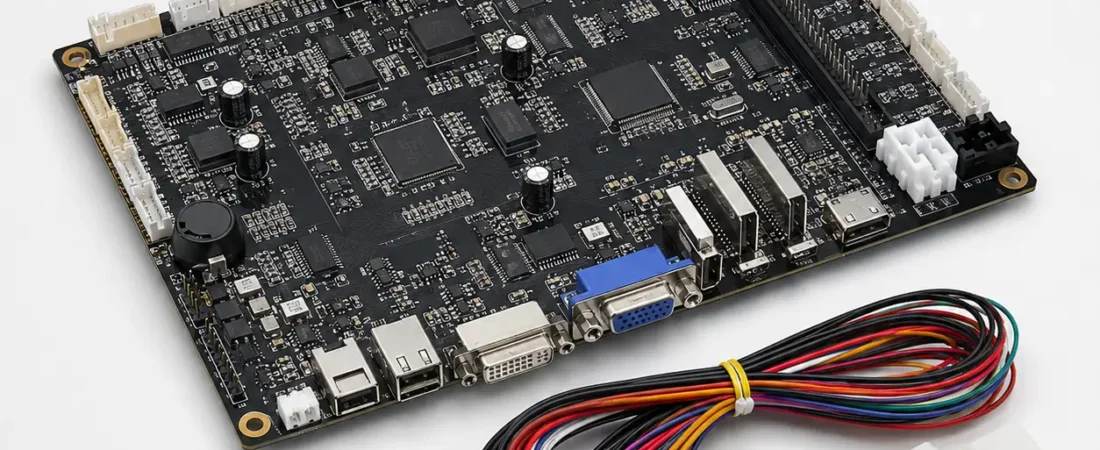
The Board Name Is Only the Starting Point
The same board family may have different hardware revisions, software versions, languages, connectors, game content and market restrictions. Confirm the exact version before ordering.
Version and Rights
Record the hardware revision, software version, language, content package, content rights and authorized sales markets. Availability does not automatically mean authorization for every country.
Display Output
Confirm output connector, supported resolution, orientation, refresh requirements and whether portrait output is handled by the board, display controller or software.
Power and Main Connector
Verify input voltage, connector type, pinout, current requirement and grounding. Never connect a harness only because the connector looks similar.
Controls and I/O
Confirm every button, lamp, switch, counter, audio connection and input/output signal. Use an approved I/O map.
Peripherals
Check bill acceptor and printer protocol, communication interface, voltage, connector, driver support and controller configuration.
Cabinet and Harness
Compare board dimensions, mounting holes, clearance, cooling, harness length and service access with the selected cabinet.
Before Quotation
Provide clear board and connector photos, version information, cabinet model, display specification, harness photos, I/O requirements, peripheral models, quantity and destination country.