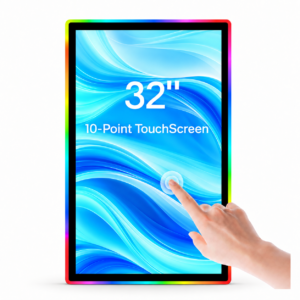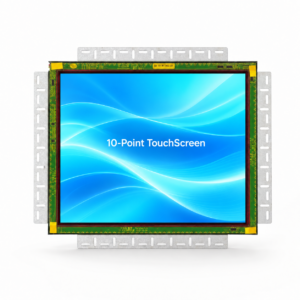
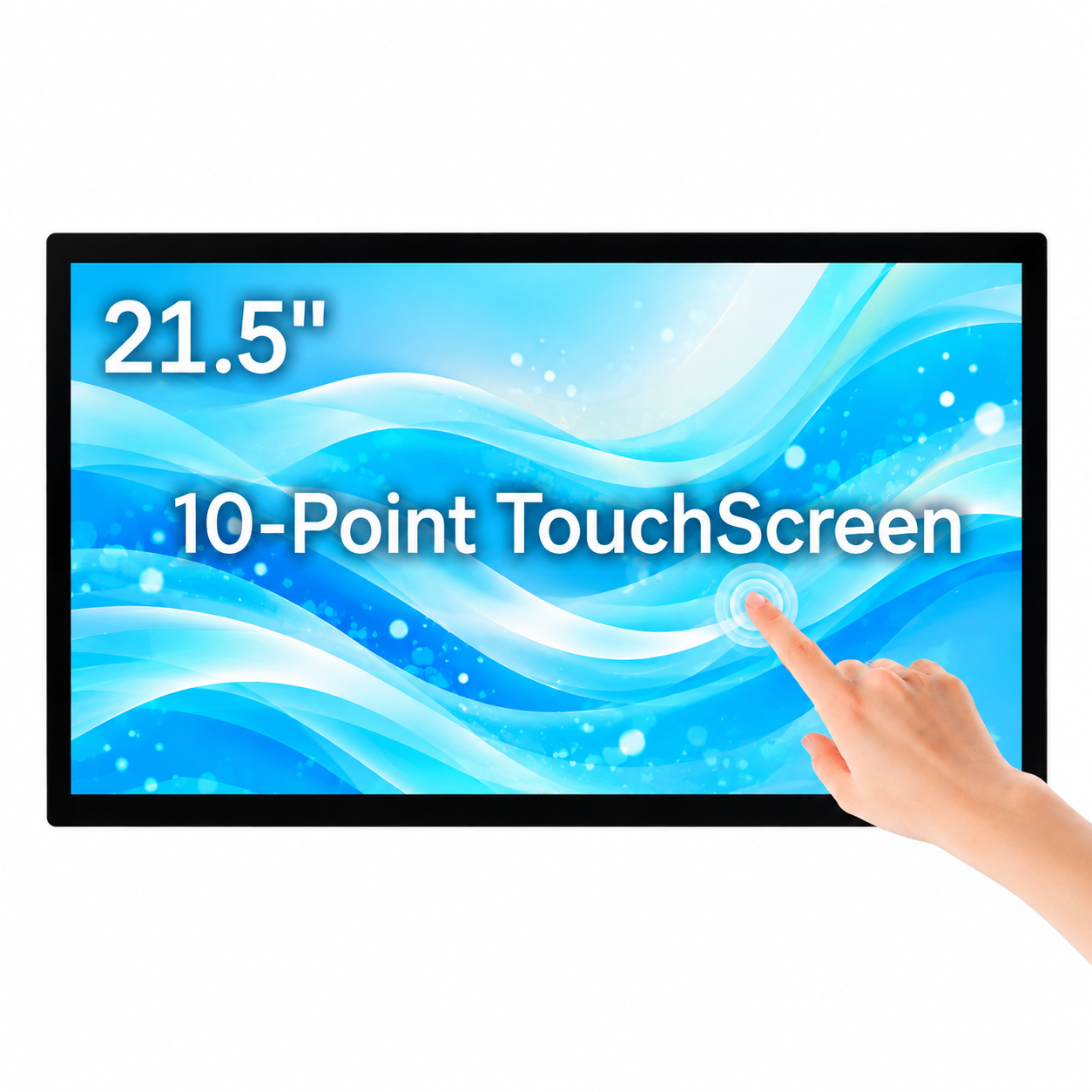
Model DZL-21.5A is a 21.5-inch Full HD flat projected-capacitive touch display for slot machine cabinet integration. 1920 × 1080 Full HD, 10-point capacitive touch, 110/220V AC power input, DisplayPort, HDMI, USB touch and RS232 touch ports. MOQ: 1 piece | 1 Year Warranty.
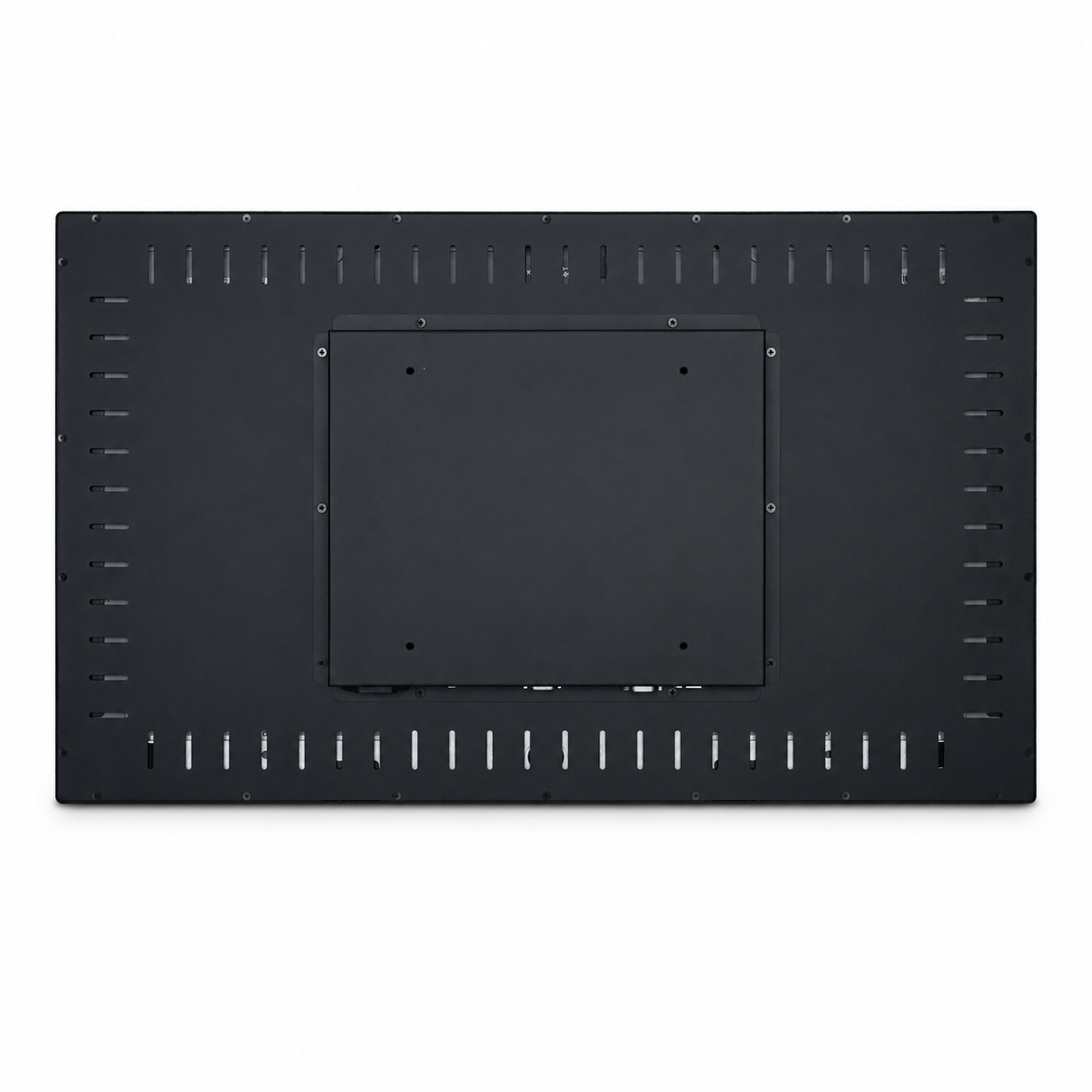
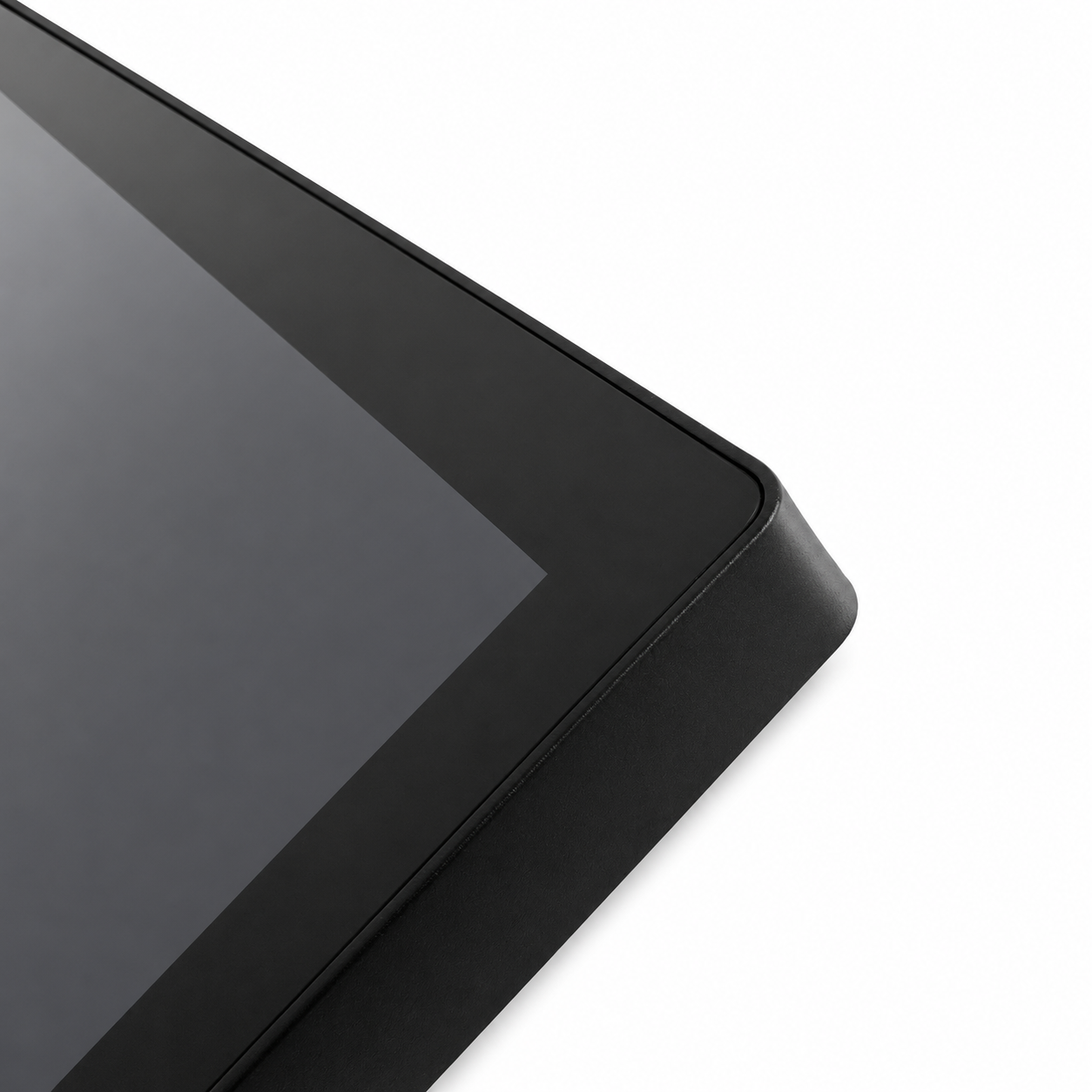
This 21.5-inch flat projected capacitive touch display is designed for slot machine cabinet integration. Model DZL-21.5A combines Full HD image output, 10-point projected capacitive touch, an all-black equal-border metal frame and a reinforced metal rear housing.
Request a Quote | Chat on WhatsApp
| Model | DZL-21.5A |
|---|---|
| Product Classification | Flat Touch Display |
| Display Type | Standard Flat Panel Touch Display |
| Application | Slot Machine Cabinet Integration |
| Frame Material | Metal |
| Screen Size | 21.5 Inch |
|---|---|
| Aspect Ratio | 16:9 |
| Resolution | 1920 × 1080 Full HD |
| Brightness | 350 cd/m² |
| Contrast Ratio | 1200:1 |
| Response Time | Less Than 5 ms |
| Viewing Angle | Full Viewing Angle (Optional) |
| Backlight | LED Backlight |
| Backlight Life | 50,000+ Hours |
| Housing | Metal Rear Housing |
| Installation | Embedded or Rear Mounting |
| Touch Technology | Projected Capacitive Touch |
|---|---|
| Touch Points | 10-Point Multi-Touch |
| Touch Interface | USB / RS232 |
| Glass Thickness | 2.0 mm Tempered Glass |
| Driver | Driver-Free, Plug and Play |
| Protocol Compatibility | 3M / TTL / HID / RS232 |
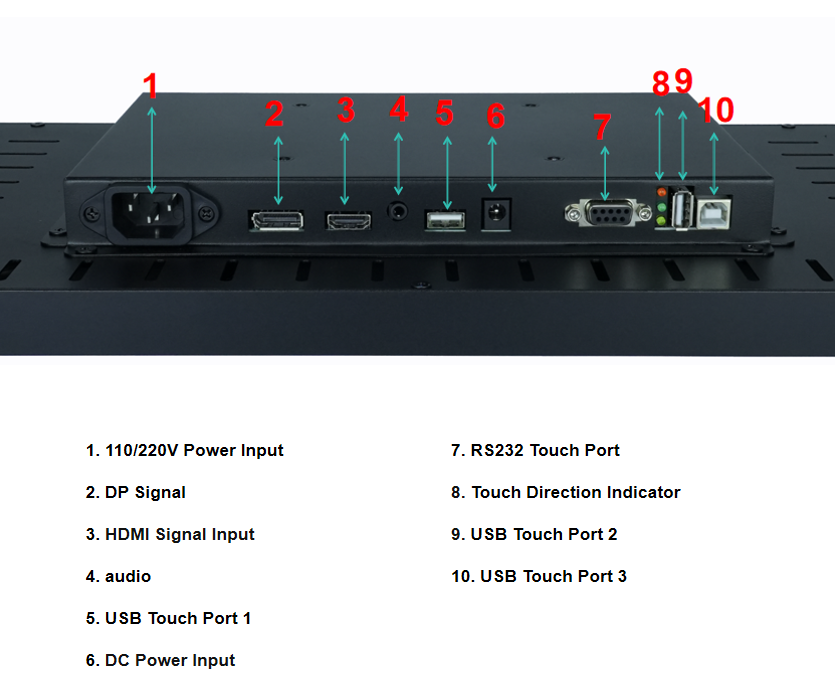
| Video Inputs | DisplayPort / HDMI |
|---|---|
| Audio Interface | Audio Interface |
| USB Touch Ports | 3 |
| RS232 Touch Port | Yes |
| AC Power Input | 110/220V |
| DC Power Input | Yes |
| Cable Length | 1.5 m |
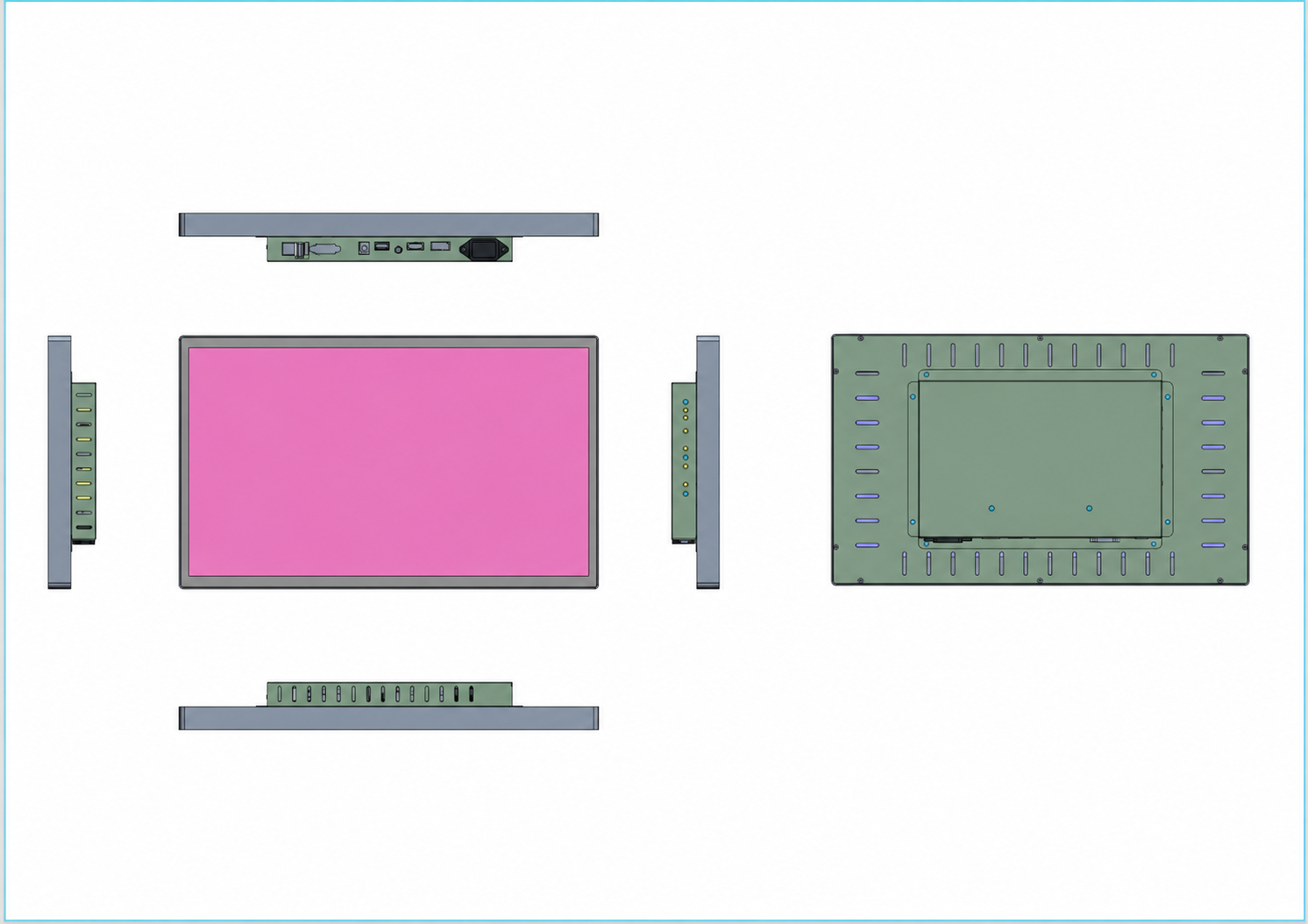
| Overall Size | 503.10 × 301.00 mm |
|---|---|
| Corner Radius | R5.28 |
| Overall Thickness | 48.00 mm |
| Rear Box Protrusion | 23.00 mm |
| Rear Box Size | 160.00 × 100.00 mm |
| Mounting Hole | M5 |
| MOQ | 1 Piece |
|---|---|
| Packaging | Bag + Foam + Carton |
| Included Accessories | Power Cord, HDMI Cable, USB Cable and Mounting Screws |
| Warranty | 1 Year Warranty |
| Screen Size | 10.1–55 Inch |
|---|---|
| Appearance and Structure | Bezel, Housing and Color |
| Mounting Options | VESA, Embedded and Bracket |
| Display Specifications | Resolution and Brightness |
| Screen Glass | AG, AR and Tempered Glass |
| Interface Options | HDMI, VGA, USB and DisplayPort |
| Brand Customization | Logo, Label and Manual |
| Packaging Customization | Carton, Foam and Accessories |
Send Your Requirements | Discuss This Product on WhatsApp
Send your product requirements and quantity for a direct reply.
Compatibility cannot be confirmed by screen size alone. Please provide the internal installation-space dimensions, mounting-hole spacing, existing monitor model, connector photos and power-supply information. We will compare these details and confirm whether the display can be installed directly or whether cabinet modification is required.
It can be used as a replacement when the mounting structure, available installation space, video signal, touch connection and power supply are compatible. Please send clear photos of the existing monitor front, rear label, connectors and mounting position before ordering.
Please provide the required quantity, cabinet model, installation-space dimensions, mounting-hole spacing, connector photos, power-supply information and destination country or postal code. Complete information helps prevent compatibility and installation problems.
Yes. We recommend ordering one sample to test the mounting fit, video signal, touch response and power connection in the actual slot machine cabinet before confirming a bulk order.
Yes. Send us a cabinet drawing or clear measurements of the installation opening, internal space, mounting holes and available depth. We will compare them with the display structure and advise whether the standard model is suitable.
Yes. The housing, mounting holes, glass, interfaces, cable length, logo, label and packaging can be evaluated for customization. Please provide your drawing, requirements and expected order quantity so we can confirm feasibility, cost and production time.
Normally, it will work after the power, video and touch connections are correctly installed. Video and touch signals use separate cables, so both connections must be completed. Confirm all wiring and the selected video input before powering on.
The video cable only carries the image signal. Check whether the USB or RS232 touch cable is connected separately and securely. Try another touch port if necessary. If the issue continues, send us clear photos of all connections and the controller information.
Check the HDMI or DisplayPort cable, confirm that the correct input source is selected and make sure the connected device is outputting a video signal. If possible, test with another video cable or signal source while keeping the touch connection unchanged.
Yes. We can provide remote support using connection photos, wiring information, written instructions and short videos. For faster assistance, send the product label, cabinet model, complete connection photos and a video clearly showing the issue.
 Scan with WhatsApp